Your subscription: access to the service
Your IPTV subscription determines the service you can access, the duration of that access and how many screens can play at the same time. Live channels, video on demand and replay availability depend on the selected offer. With Best IPTV, discuss the countries, languages and channel categories you want before choosing your Standard or Premium plan.
Your player: the app on your device
An IPTV player app displays and organises the streams supplied by your service; installing a player alone does not activate a subscription. The setup depends on your television, streaming box, phone or computer and the app it supports. For a television setup, follow our Samsung TV compatibility and setup guide. Using an Amazon device? Our IPTV on Firestick guide explains how to check the operating system, choose a player and test playback.
Choosing an IPTV provider for your devices
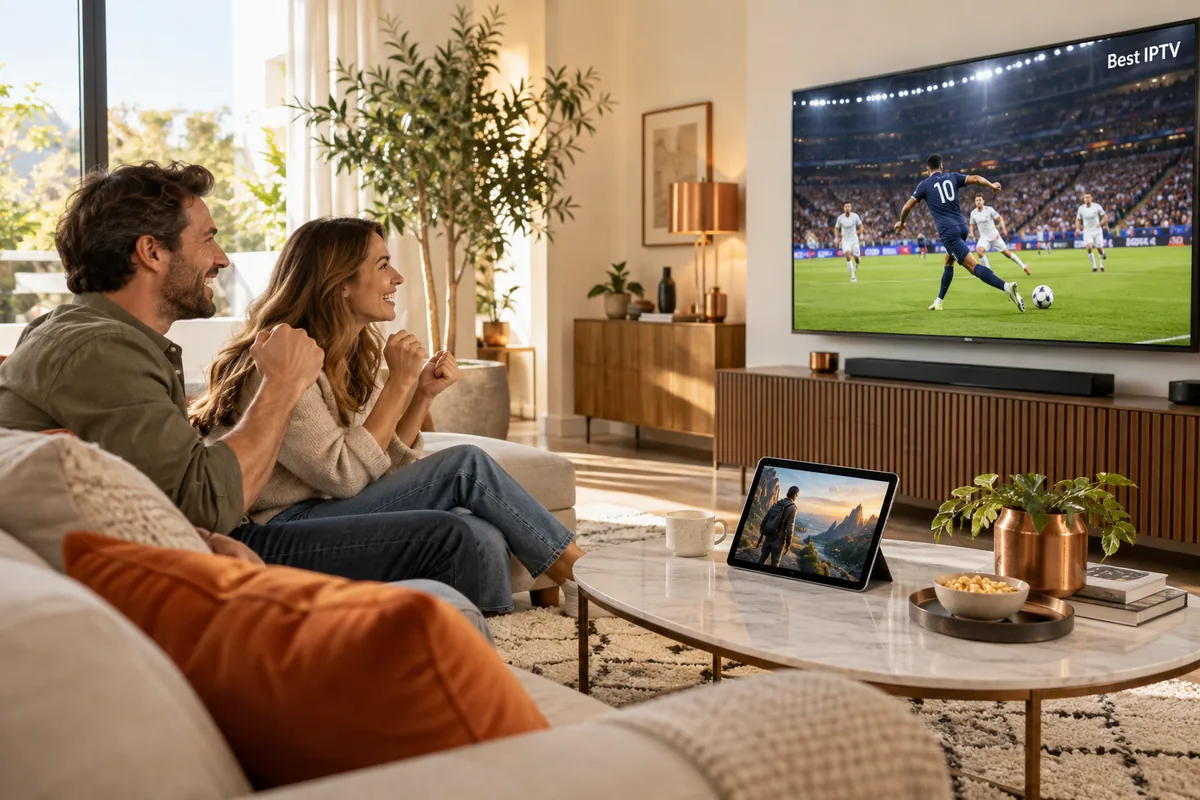
Choose an IPTV provider that supports your devices, your preferred player app and the number of simultaneous screens you need. Check the available picture quality, playlist options and setup assistance before ordering. Playback also depends on your internet connection and the available stream: a 4K-capable screen does not make every channel 4K. Tell us your device model and viewing preferences so we can help you find a suitable setup.